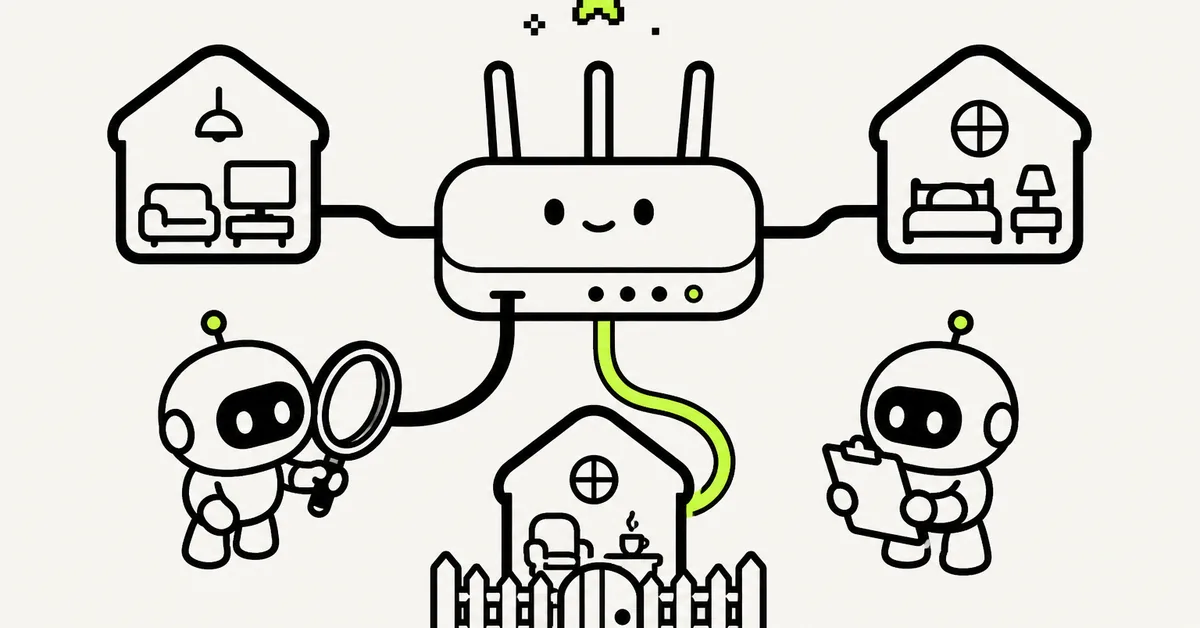
Building my first custom home network, with agents on call
Part 2 of my hardware exploration. A flashed router, whole-house ad blocking, a VPN, a guest network, and the agents checking each other's work.

Part 2 of my hardware exploration. Part 1 was the homelab. This one is the network around it.
What I wanted
A whole-house ad blocker, without making the Wi-Fi worse for everyone's phones and smart stuff. Under $100 if I could.
I also asked my agent if having coding agents meant "our ability to interact with the router is elevated from a normie." Its answer: an agent makes a scriptable router worth more and a polished app worth less, but it can't add hardware the router doesn't have. That pointed me at OpenWrt, open source router firmware you can script.
Research night
It started with Pi-hole, a DNS-level ad blocker, as a tiny VM on the homelab server. Cost: $0.
Then the agent built a throwaway speed-test page so I could walk around with my phone and measure the Wi-Fi room by room. It compared seven routers. It liked a newer one for about $10 more. I picked the one with official OpenWrt support instead. Ordered it that night and had the agent set a reminder for the delivery.
Flashing it
It showed up the next day. I ran it on the stock firmware first as a test network. I fat-fingered the admin password and had to reset it. The first speed test was slow because my phone was on the wrong band.
That night I flashed OpenWrt, after the agent checked the image's checksum. My reasoning at the time: "i want openwrt right its cooler better for learning more impressive notch on the belt?"
The agent that would lose its own internet
The agent ran on my home server. Mid-cutover the server would lose internet, and the agent with it. I caught that before we started.
So it built a handoff kit on my Windows PCs. A laptop wired to the new router, getting internet from my phone's hotspot. We tested that setup with the router's internet cable unplugged before touching anything real. The cutover script also refused to run while that cable was plugged in.
Then the swap. The ISP's box went into bridge mode, so it acts as a plain modem and my router does the routing. The new router took over, and Pi-hole went live for the whole house. Done around 1:30 a.m. "this was a nerdy night bro!"
The heavier stuff
Over the next few days:
- A VPN on the router (WireGuard), with dynamic DNS so my phone can find home when the address changes. Ad blocking follows my phone over cellular.
- DNS interception. Devices that try to skip the filter and use a public DNS server get sent to it anyway. It can't catch encrypted DNS or VPNs, and that's fine.
- A guest Wi-Fi on its own subnet, walled off from the servers and admin pages.
- Two filtering DNS resolvers with a watchdog that fails over between them. It never falls back to unfiltered DNS.
- Firewall zones for the home network, the internet, guests and the VPN. Nothing comes in from the internet except the VPN.
- Bufferbloat measured (lag when the connection is busy). About 8 ms extra. My bar for doing anything was 30, so no traffic shaping.
- Daily config backups and an encrypted offsite recovery kit.
Why it mattered for the homelab
The day the router arrived, the home server's Tailscale login expired, and remote access died with it. A login-based path can expire at the worst time. The router VPN uses a key that doesn't.
Now if Tailscale breaks I go phone VPN, then the hypervisor's web console, then the VM. Tested from cellular. Guests can't see the servers, DNS keeps working if the home server goes down, and the server addresses didn't change through two cutovers.
What broke
- Guest Wi-Fi handed out addresses but loaded nothing. A firewall rule was missing its destination, so it became a rule for traffic to the router itself.
- Guest isolation was called done too early. Guests on 2.4 GHz and 5 GHz could still see each other.
- Pi-hole silently ignored phones on the VPN. It only answered "local" clients.
- The failover watchdog stalled quietly for about 36 hours. The ad-block package left config changes pending, which tripped the watchdog's safety guard, and it refused without saying so. Blocking kept working. Failover didn't. Nothing paged, because the checks were "soft."
- A firmware update wiped the custom scripts. Their folder wasn't on the keep-on-upgrade list.
All fixed. The watchdog one became a rule: a guard that refuses has to say so, and soft checks need a stall limit.
Agents checking agents
Three agents touched this. Codex did the research, the Pi-hole build and the cutover. An OpenCode agent did most of the build in the days after. Claude handled the later updates.
Codex's review caught the builder's bugs:
- a DNS recovery helper that counted empty answers as healthy
- a backup uploader that checked a different filename than the one it uploaded
- a "sanitized" config export that still leaked identifying device data
Another review flagged a diagnosis as overconfident. A VPN hang got blamed on the iPhone screen lock, with no proof.
So: one agent owns live router changes. The others read and review. I do the physical stuff: buying, flashing, cables, the bridge mode click, the phone tests.
Switching to fiber
Last week I switched to fiber. I had the same backup laptop setup ready. No special settings needed, dynamic DNS updated on its own, and ping dropped from about 22 ms to 7 to 9.
Rules I kept
- Run the agent on a machine that keeps its internet.
- Any remote-access path whose login expires will take you down at the worst time.
- A ping is not SSH working. A saved setting is not a reboot test.
- Never factory reset as the first recovery step.
Opinion: the ease is real. I learned bridge mode, DHCP, DNS, firewall zones and VPNs in about a week by doing them with something that explains every step. But the agents were most useful checking each other, not building.